
All SEO Guides (Page 11 of 19)

Browse all 223 SEO Checks guides on technical SEO, local SEO, site speed, content strategy and automation, newest first.

How to Build a Content Silo

How to Build a Content Silo

A content silo organizes related pages into thematic clusters, boosting topical authority and search visibility. By grouping content around a pillar page and interlinking with relevant subpages, you create a clear hierarchy that search engines love. This guide walks you through the steps to build an effective content silo that improves rankings and user experience.

2 min read
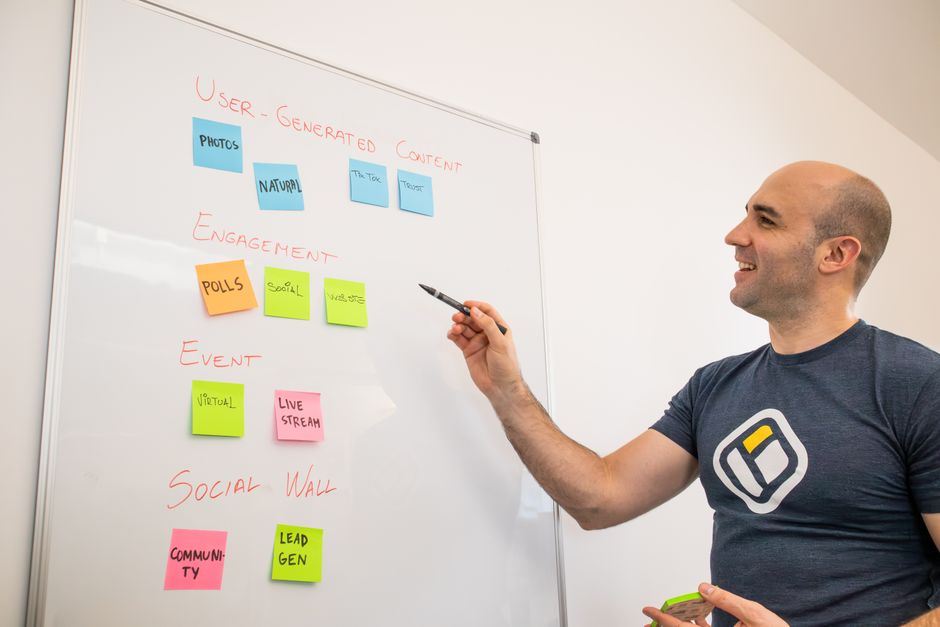
Topic Cluster Content Model: A Complete Guide

Topic Cluster Content Model: A Complete Guide

The topic cluster content model organizes your website into pillar pages and supporting cluster content to establish topical authority and improve search rankings. By strategically interlinking related articles, you signal expertise to Google and boost organic visibility. This guide explains how to implement and scale the model for sustainable SEO growth.

6 min read
Pillar Page Strategy for SEO

Pillar Page Strategy for SEO

Master the pillar page strategy to dominate search rankings by creating a comprehensive hub of content that covers a topic in depth and links out to cluster pages. This approach aligns with Google's E-E-A-T guidelines, establishing your site as an authoritative resource. Start building your pillar page today with our free SEO audit tool to identify gaps.

2 min read
Browser Caching Best Practices for 2024

Browser Caching Best Practices for 2024

Browser caching stores static files locally, slashing load times for repeat visitors. This guide walks you through setting optimal cache headers, leveraging CDNs, and avoiding common pitfalls. Master caching to boost Core Web Vitals, user experience, and SEO rankings.

2 min read
Performance Budgets for SEO: A Guide

Performance Budgets for SEO: A Guide

A performance budget sets hard limits on page size, script weight, and load time to protect SEO rankings. This article explains how to create, enforce, and use budgets to boost Core Web Vitals and user experience. Learn to align performance with business goals and maintain a fast site that ranks well.

2 min read
Lazy Loading for Faster Sites

Lazy Loading for Faster Sites

Lazy loading defers off-screen images and iframes until the user scrolls near them, reducing initial page weight and dramatically improving load times. This technique boosts Core Web Vitals scores, enhances user experience, and can lead to higher search rankings. Implement it today with our free tools to see immediate performance gains.

3 min read
Reduce Server Response Time: 10 Proven Fixes

Reduce Server Response Time: 10 Proven Fixes

Server response time (TTFB) is a critical Core Web Vitals metric that affects user experience and SEO rankings. This guide reveals 10 actionable strategies to slash your TTFB, from optimizing hosting and caching to database tuning and using a CDN. Implement these fixes to improve your site's speed, user engagement, and Google rankings.

8 min read
Caching Strategies for Faster Sites

Caching Strategies for Faster Sites

Implementing effective caching strategies can dramatically reduce load times and improve user experience. This article breaks down the core types of caching and how to apply them for optimal site speed. By following these tactics, you'll boost Core Web Vitals, SEO, and conversion rates.

5 min read
How to Improve Core Web Vitals

How to Improve Core Web Vitals

This guide provides actionable, code-level strategies to optimize Largest Contentful Paint (LCP), Interaction to Next Paint (INP), and Cumulative Layout Shift (CLS) for better search rankings and user experience. Learn how to identify bottlenecks with real tools and implement fixes that stick, without the fluff.

2 min read
Website Architecture for Large Sites: How to Organize a Digital Skyscraper

Website Architecture for Large Sites: How to Organize a Digital Skyscraper

Think of your website as a giant skyscraper – if rooms are scattered and hallways are confusing, visitors get lost and search engines can’t find anything. This guide shows you how to design clear blueprints and smart elevators (internal links) so both users and Google can zoom around with ease. Remember: a tidy structure isn’t just nice–it’s your ticket to higher rankings.

4 min read