
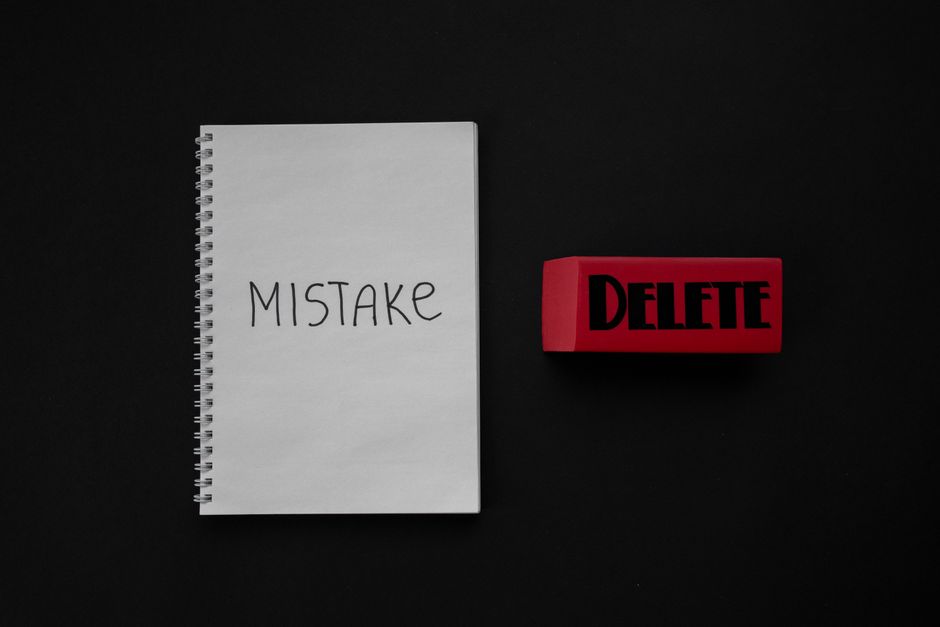
The 404 Error Family: Hard vs. Soft
Imagine you walk into a library and ask for a book that doesn't exist. The librarian says, "Sorry, that book isn't here." That's a hard 404 – a clear, honest "I don't have this." But what if the librarian hands you a blank piece of paper instead? That's a soft 404 – a page that exists but has no real content. It's like a ghost page, a shell that confuses both users and Google.
Clarify the difference in simple terms:
- Hard 404: The server returns a 404 status code – clear signal to Google that the page is gone.
- Soft 404: The server returns a 200 status (page loads fine) but the content is useless – an empty page, a redirect to the homepage, or a long list of unrelated products.
Think of it this way: hard 404s are polite signs saying "Nothing here," while soft 404s are like silent traps that waste everyone's time. Google hates soft 404s because they make your site look spammy and unhelpful, which can hurt your rankings.
Three Common Ways Soft 404s Sneak In
Soft 404s are sneaky. They can appear without you even knowing. Here are three classic ways they show up:
- Empty Result Pages: Your site has a search function that returns a blank page when there are no results. Instead of saying "No luck," it just shows an empty shell.
- Deleted Content Left Alive: You remove a blog post but forget to delete the URL. Now the page is a ghost – no content, but still alive.
- Redirects That Go Nowhere: You redirect an old page to a similar one, but the new page is a thin placeholder with almost no content, making it a soft 404 in disguise.
The worst part? Most website owners never even notice these errors because they don't show up in your server logs. They're like background noise that slowly erodes your site's quality score.
Your Action Plan: Finding and Fixing Soft 404s
Now it's time to roll up your sleeves and get to work. Here's a simple, step-by-step plan:
- Find the culprits: Use tools like Google Search Console's Coverage report, or our Free Website SEO Scanner, to spot pages that return a 200 status but have unusually low content or high bounce rates.
- Decide: fix or delete? If a page has potential, rewrite it with quality content. If it's useless, make it a proper 404 or redirect it to a relevant, useful page.
- Update your 404 page: Make sure your 404 page is helpful – add a link to your homepage or a search bar, so users can quickly find what they need.
- Monitor regularly: Check your site every few months to catch new soft 404s early. Prevention is better than cure.
Remember, soft 404s are like weeds in your garden – they pop up quickly and can choke your site's growth if you ignore them.
Frequently Asked Questions
Quick answers to structural technical gaps
What exactly is a soft 404 error?
A soft 404 is a page that loads successfully (returns a 200 status) but has no real content, like an empty page or a page that just redirects to the homepage. It confuses Google because it looks like a valid page but doesn't help users.
How do I find soft 404 errors on my site?
You can use tools like Google Search Console's Coverage report or our Free Website SEO Scanner. Look for pages with low text content, high bounce rates, or a huge number of visits but very little time on page – those are red flags.
What's the difference between a 404 and a soft 404?
A hard 404 tells users and Google that the page doesn't exist (status code 404). A soft 404 returns a 200 status but has almost no content, so it's like a page that appears to exist but is actually empty.
Will fixing soft 404 errors improve my SEO?
Yes, absolutely. Fixing soft 404s helps Google understand your site better, reduces crawl waste, and improves user experience – all of which can boost your rankings and keep your site healthy.
Keep Reading
Execute This Strategy Instantly
Scan your site now with our Free Website SEO Scanner to instantly spot soft 404s and other technical gremlins before they cost you rankings.
Launch Free Tool