
Why You Should Peek at Your Competitors' Pictures
Imagine you're baking a cake for a contest. You'd probably sneak a look at what the other bakers are making, right? Same with web design. Your competitors' images tell you a lot: what style works, what colors they use, and what kind of photos grab attention. By scraping competitor images for web design, you can figure out what your audience likes without guessing.
Think of it as research, not copying. If a competitor's website uses lots of happy customer photos and it makes you feel good, that's a clue. Maybe you should do that too. But better. This is how you learn from the best without starting from scratch.
Plus, it's 100% legal for inspiration and analysis. You're not stealing their images to use on your site; you're just looking at them to understand what works. So go ahead, be a digital detective.

The Easiest Way to Scrape Images (No Coding Required)
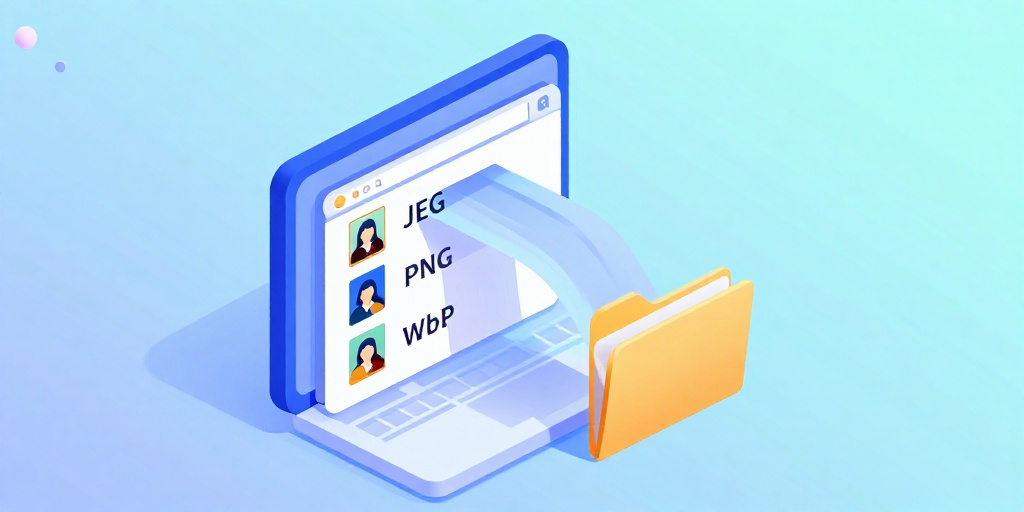
You don't need to be a hacker or a tech wizard to scrape competitor images. There are simple tools that do the work for you. One of the best is our Competitor Image Extractor. It works like magic: paste a competitor's URL, and it lists every image on that page. You can download them all with one click.
Here's why that's awesome:
- Save hours of right-clicking and saving images manually.
- See the entire image library of a page, including hidden ones.
- Use the downloaded images for reference on your own mood board.
Once you have the images, you can sort them by type, size, or style. This makes it easy to spot patterns. For example, maybe all top competitors use bright, high-contrast photos. That's a sign you should too.
What to Look For in Those Competitor Images
Now that you have a bunch of images, what do you do with them? Don't just stare at them. Analyze like a pro. Look for these things:
- Color palette: Do they use warm or cool colors? What mood does that create?
- Subject matter: Are there people, products, or scenery? Which gets the most engagement?
- Quality and style: Are photos professional, candid, or illustrated? Is there a consistent filter or tone?
Once you spot trends, you can plan your own images. But don't stop there. You should also optimize your images for speed. Large images slow down your site, which hurts SEO. Use our WordPress Image Speed Optimizer to compress your images without losing quality. Slow sites make visitors leave—and Google notices.
Also, think about SEO. Before you upload images, rename them with keywords. For example, instead of "IMG_0234.jpg," use "plumber-fixing-sink-seattle.jpg." This helps Google understand your images and rank them. Check out our guide to rename photos with local SEO keywords to boost your local search traffic.

Frequently Asked Questions
Quick answers to structural technical gaps
Is it legal to scrape competitor images for web design?
Yes, as long as you use them for inspiration and analysis only. Do not download and reuse the images on your own website unless you have permission or they are royalty-free.
Do I need to know coding to scrape competitor images?
No. You can use free online tools like our Competitor Image Extractor that require zero coding skills. Just paste a URL and get all images.
What should I do with the scraped images after I download them?
Use them to create a mood board, identify color trends and photo styles, and guide your own image choices. Then optimize your own images for web performance and SEO.
Will scraping competitor images slow down my website?
No, scraping is done on your computer via a tool, not on your website. But once you create your own images, make sure to compress them to keep your site fast.
Keep Reading
Execute This Strategy Instantly
Stop manually saving images one by one—use our free Competitor Image Extractor to download every image from any competitor's page in seconds.
Launch Free Tool