
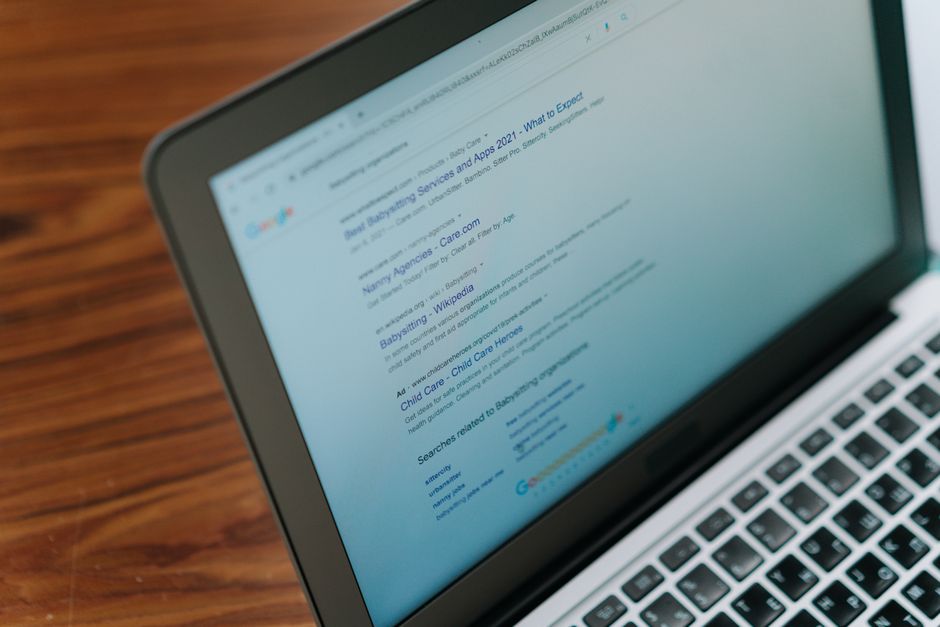
What on Earth is Google Discover?
Imagine you have a personal assistant who knows your interests and brings you a tray of content every morning—no searching needed. That's Google Discover. It's a feed on your phone that shows articles, videos, and updates that Google thinks you'll love, based on your browsing history and habits.
For website owners, this is like having a megaphone that broadcasts your content to a massive audience for free. But to get in that feed, you need to tick some boxes. It's not about keywords; it's about being interesting and useful to people.
Think of it like a party. You want to be the guest who tells the best stories, not the one who just talks about themselves. Google wants content that sparks joy, curiosity, or connection.
How to Get Your Content in the Spotlight
Getting into Google Discover is like auditioning for a talent show. Here's what the judges (Google's algorithms) are looking for:
- Freshness: Google loves new stuff. Regularly update your site with fresh, timely content.
- Authority: Build trust with quality backlinks and clear authorship.
- User Engagement: If people click, read, and share, that's a big thumbs up.
But most importantly, your content must be evergreen—meaning it stays relevant for a long time. Think how-to guides, listicles, and inspiring stories.
It's not about chasing keywords; it's about being so good that Google can't resist showing you off.
The Secret Ingredient: Stunning Images
In Google Discover, images are everything. They're the first thing people see, and they can make or break your click-through rate. Google specifically looks for high-quality, large images (at least 1200 pixels wide) because they look great on mobile screens.
Think of your image as the cover of a book. Would you pick up a book with a blurry, boring cover? Probably not. So, use bright, eye-catching images that tell a story.
Also, compress your images to keep your page loading fast. Slow sites are like molasses in winter—nobody wants to wait. Use our Free Image Compressor to shrink your images without losing quality.
And don't forget to add alt text describing your image. It helps Google understand what the image is about, and it's good for accessibility too.
Simple Steps to Set Up Your Site for Success
Ready to get on that magic feed? Here's your checklist:
- Make sure Google can crawl your site. Check your robots.txt file and use the URL inspection tool in Search Console.
- Use clear, descriptive titles. Don't be mysterious; tell people exactly what they'll get.
- Publish consistently. Set a schedule and stick to it. Google likes reliability.
- Optimize for mobile. Most Discover traffic comes from phones, so your site must look perfect on small screens.
- Monitor your performance. Use tools to see which of your pages are getting impressions and clicks.
Remember, it's not about gaming the system. It's about creating a great experience for your readers. Do that, and Google will reward you.
Frequently Asked Questions
Quick answers to structural technical gaps
Do I need to have a certain number of visitors to get into Google Discover?
No, you don't need a minimum traffic. But you do need to follow Google's guidelines and create high-quality content that people love to engage with.
Is Google Discover only for mobile users?
Yes, Google Discover is primarily a mobile feature inside the Google app and on the mobile home page. But if your content is amazing on mobile, it can still show up on desktop for some users.
How long does it take for content to appear in Google Discover?
It's not instant. It can take a few days or even weeks. Google's algorithms crawl and index your page first, then decide if it's worth showing in Discover. Just keep publishing great content and be patient.
Can I use Google Discover for any type of website?
Yes, but it works best for news, entertainment, how-to guides, and trending topics. If your site is very niche or has low-quality content, it might be harder to get featured. Focus on solving problems and telling stories.
Keep Reading
Execute This Strategy Instantly
Use our Free Website SEO Scanner to test your site's speed and find issues that could be stopping Google from showing your content in Discover.
Launch Free Tool