Why Geotagging Your Images Is Like Sending a GPS Signal to Google
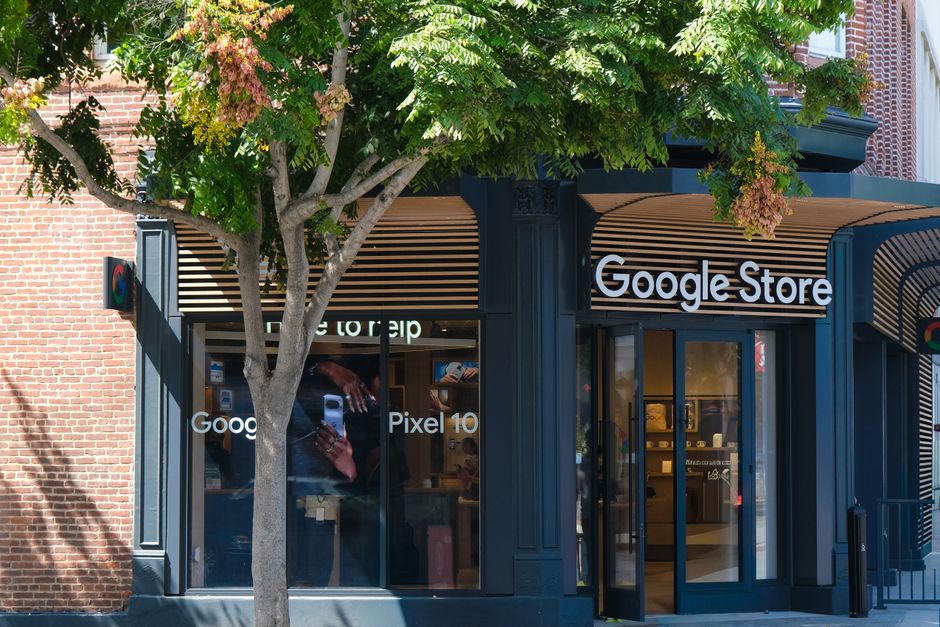
Imagine you leave a bunch of business cards all over your city. Each card has your address, but no map or directions. That's what it's like when you upload photos to Google My Business without geotags. Geotagging is the secret sauce that tells Google, “This picture was snapped right here at my shop.”
When someone searches for your service “near me,” Google uses the location data in your images as a trust signal. It says, “Yes, this business is actually in that area.” And that little boost can help you rank higher in the local pack.
What Is Geodata and How Do Photos Store Location Info?
Every time you snap a photo with your phone, it saves a bunch of hidden data inside the image file. This includes the date, camera type, and — if GPS is on — the exact latitude and longitude. That's called EXIF data (Exchangeable Image File Format). Google's algorithms can read this metadata and know exactly where the photo was taken.
- Latitude & Longitude — the precise coordinates of where you stood
- Altitude — how high above sea level (not critical for local SEO)
- Timestamp — when the photo was taken
When you upload these photos to your Google My Business profile, Google checks the coordinates against your business address. If they match, it's a big thumbs-up for relevance.
Free Tools to Geotag Your Images Without Spending a Dime
You don't need expensive software to geotag images. In fact, your phone's default camera app can already do it. But if you need to edit or add coordinates to existing photos, here are the free ways:
- Google Photos — if you enable location saving, every photo you take will be geotagged automatically.
- GeoImgr (free online tool) — lets you click a location on a map and attach those coordinates to any image.
- Pic2Map — a simple drag-and-drop tool that reads and writes EXIF geodata.
- ExifTool — a powerful free command-line tool for bulk geotagging if you're a bit technical.
After geotagging, you should also rename photos with local SEO keywords to double the impact. For example, instead of "IMG_1234.jpg," use "plumber-in-austin-tx.jpg."
Frequently Asked Questions
Quick answers to structural technical gaps
Is geotagging images actually important for Google My Business ranking?
Yes, it's a small but real signal that helps Google confirm your business location. Every little bit matters in local SEO, especially when competitors are doing everything else right.
Can I geotag images after they've been taken?
Absolutely. Free tools like GeoImgr or ExifTool let you add location data to any existing image on your computer. Just upload the photo, pick the spot on a map, and save.
Will geotagging work if I use stock photos on my GMB profile?
No, stock photos don't have your real location data, and Google can tell. Using original, geotagged photos from your actual business location is always better.
How many geotagged images should I upload to Google My Business?
Aim for at least 10 to 15 high-quality photos of your storefront, interior, team, and work. Quality matters more than quantity, so make sure each one has accurate geodata.
Keep Reading
Execute This Strategy Instantly
Use our free Local SEO Image Renamer to rename and geotag all your images in one batch — it speeds up your entire workflow.
Launch Free Tool