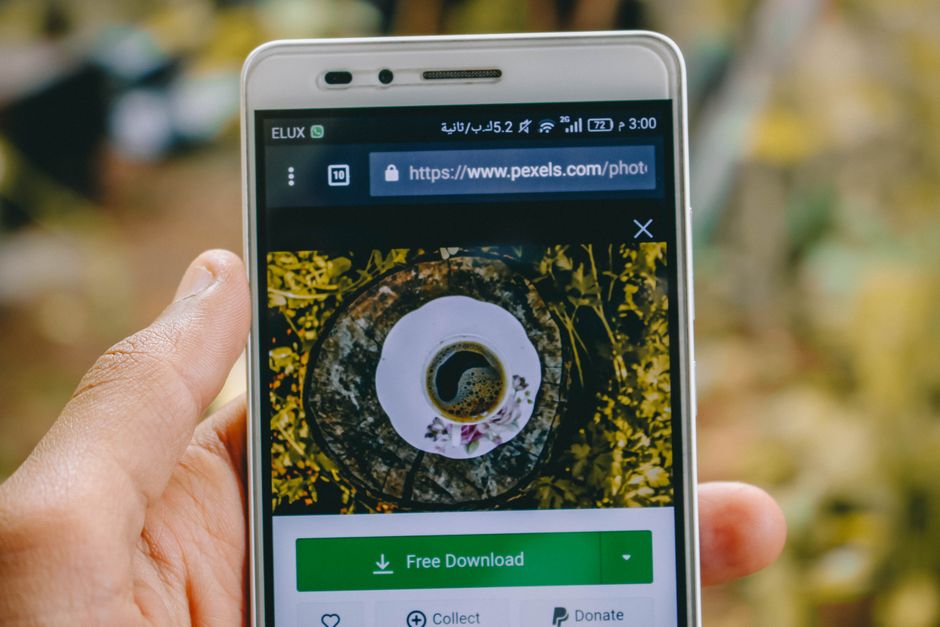
Why You'd Want to Download Images from a URL
Imagine you're building a website for your NYC real estate team. You find the perfect photo of a Central Park view on a competitor's site. You need it for inspiration or maybe for a client mockup. But you can't just right-click and save? Nope – many sites block that. That's when you need to know how to download images from any URL free.
This skill is like having a universal remote for pictures on the web. You can grab any image legally (for your own use, of course) and use it for design ideas, local SEO projects, or just to build your own collection. It's a superpower for anyone working with digital content.
The Right Way to Extract Images Without Breaking a Sweat
Let's skip the complicated stuff. Here's the simplest way to download images from any URL free:
- Use a browser trick: Open the page, look for 'Inspect Element' or 'View Page Source.' Find the image URL, open it in a new tab, and save. Works but feels like digging through trash.
- Try a dedicated tool: Way easier. Just paste the web address and let the tool do the heavy lifting. No code, no fuss.
- Check if the image is royalty-free: Always respect copyright. Only download images you have permission to use or that are free to reuse.
Pro tip: if you're doing this for a client project, make sure you're not stealing. Use free image sites or get written permission. Our free tool to extract images from website is perfect for that – it grabs every image in a flash, so you can pick the best one.

What About Bulk Downloads? Save Time with Batch Savings
Need to grab ten, twenty, or fifty images at once? Doing them one by one is like eating soup with a fork. Here's how to download images from any URL free in bulk:
- Use a bulk image downloader: There are free tools that let you paste a list of URLs and download all images in one go. Search for 'bulk image downloader' – but be careful with sketchy sites.
- Check our suite: We have tools that can handle multiple images quickly. For example, our Image Compressor & SEO Renamer even optimizes them for your website, so they load fast and rank better.
- Don't forget to rename: After downloading, rename your images using SEO keywords. For example, 'central-park-web-designer.jpg' instead of 'IMG_001.jpg'. It helps Google find you. Need help? See our guide to rename photos with local SEO keywords.

Frequently Asked Questions
Quick answers to structural technical gaps
Can I download images from any URL for free?
Yes! You can download images from most websites for free using tools like our Visual Image Extractor. Just make sure you have permission to use them – respect copyright laws.
What if the website blocks right-click?
No problem. Use a free image extraction tool. Enter the URL, and it will fetch all images for you. Our tool works even on sites that disable right-click.
How do I download all images from a page at once?
Use a bulk image downloader. Our Visual Image Extractor can extract every image from a page in seconds. Then you can save them all with one click.
Do I need special software to download images from a URL?
Not at all. You can use online tools that work in your browser with no downloads. Just copy the URL, paste it, and click go. It's that simple.
Keep Reading
Execute This Strategy Instantly
Stop fighting with messy code: use our Visual Image Extractor to snatch every image from any page in one click.
Launch Free Tool