
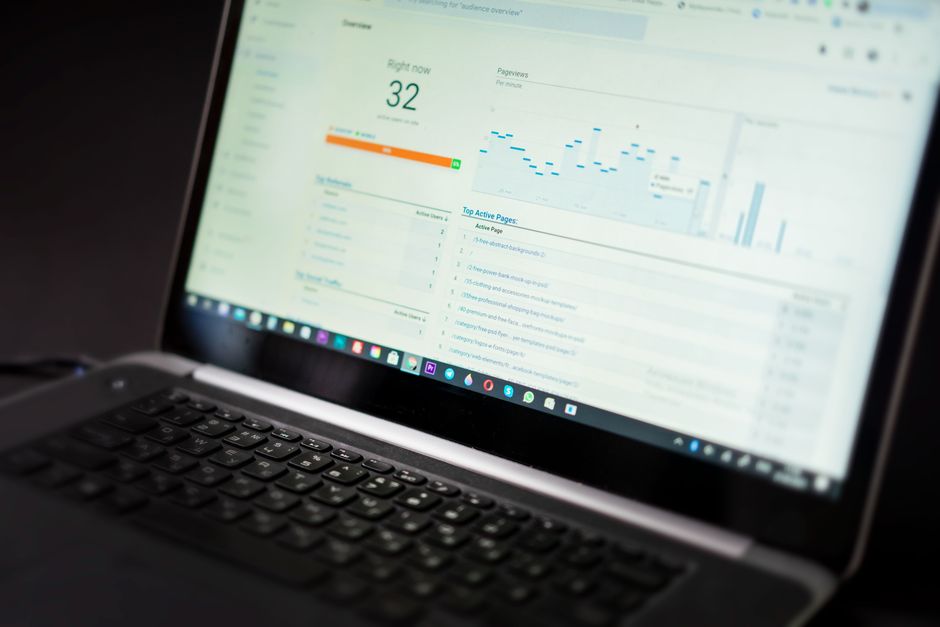
What is a white label SEO dashboard and why do you need one?
A white label dashboard is essential for any agency that wants to project professionalism, save time, and keep clients informed.
A white label SEO dashboard is a reporting tool that you can rebrand as your own and present to clients. It pulls data from various sources like Google Analytics, Search Console, and ranking trackers into one cohesive view. You need one because it enhances your brand credibility, saves time on manual reporting, and gives clients a transparent look at your SEO efforts.
- Brand Consistency: Your logo, colors, and domain make the dashboard feel like your own product.
- Time Efficiency: Automated reports eliminate hours of manual data gathering.
- Client Retention: Clear, data-driven reports build trust and demonstrate ROI.
How do you choose the best white label SEO dashboard tool?
Choose a white label dashboard that integrates smoothly, offers customization, and automates reporting to fit your workflow.
Selecting the right white label dashboard depends on your agency's specific needs and budget. Key factors to consider include:
- Integration Capabilities: Ensure it connects with your existing tools like Google Analytics, Search Console, and Ahrefs.
- Customization: Look for options to add your logo, custom CSS, and choose which widgets to display.
- Automation: Scheduled reports and email delivery are crucial for efficiency.
- Scalability: The tool should grow with your client base without breaking the bank.
Popular options include AgencyAnalytics, SEMrush, and DataForSEO, but a simple SEO audit tool can be a great starting point for gathering baseline data to display.
What are the essential data sources to integrate into your white label dashboard?
Integrating multiple data sources into your dashboard gives clients a full 360-degree view of their SEO health and progress.
To provide a comprehensive view of SEO performance, your dashboard should pull data from many sources:
- Google Search Console: For organic traffic, impressions, clicks, and average position.
- Google Analytics: To track user behavior, conversions, and goal completions.
- Rank Tracking Software: To monitor keyword positions daily.
- Backlink Data (e.g., Ahrefs, Majestic): To showcase link growth and quality.
- Social Media Metrics: If relevant, to show broader online presence.
- Local SEO Metrics: For businesses with physical locations – including map pack rankings and reviews.
How do you set up a white label dashboard for your SEO agency?
A systematic setup process – from choosing software to automating reports – ensures your white label dashboard delivers value from day one.
Setting up your white label dashboard involves these steps:
- Step 1: Choose your dashboard software and select a plan that includes white label features.
- Step 2: Connect your first client's accounts (Google Search Console, Analytics, etc.) via API or integrations.
- Step 3: Customize the dashboard with your agency's branding – logo, colors, and domain.
- Step 4: Configure widgets to display the most important KPIs for each client (e.g., organic sessions, keyword rankings, goal completions).
- Step 5: Set up automated reporting to email reports to clients at regular intervals (monthly, weekly).
- Step 6: Perform a technical SEO audit using a tool like SEO Audit Tool to establish a baseline and identify issues to include in the dashboard.
Frequently Asked Questions
Quick answers to structural technical gaps
Is a white label dashboard worth it for small SEO agencies?
Yes, it can save significant time and make your agency look more professional, which is crucial for retention and gaining larger clients.
Can I white label a free SEO audit tool?
While not all free tools offer white labeling, you can use the results to populate your own dashboard. Some paid tools offer white label features, but starting with a free audit gives you a baseline.
How do I explain the white label dashboard to my clients?
Present it as a custom portal that gives them real-time access to their SEO performance, emphasizing that it's tailored to their business and backed by your expertise.
What are the top mistakes to avoid when setting up a white label dashboard?
Avoid overwhelming clients with data, neglecting to customize branding, and failing to automate reports. Also, don't skip initial audits – they provide context for the dashboard numbers.
Keep Reading
Execute This Strategy Instantly
Run a free SEO audit on your client's site right now to uncover issues that your white label dashboard can then track and report on.
Launch Free Tool