
What Is an Online SEO Scanner?
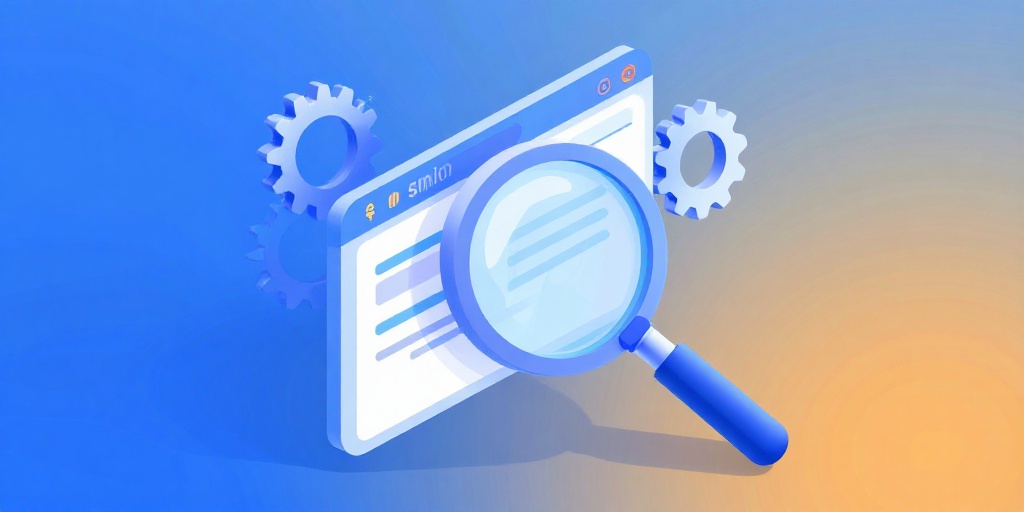
An online SEO scanner is like a mechanic for your website. It checks under the hood to find problems that stop Google from showing your business to customers. It looks at things like page speed, missing meta tags, broken links, and mobile-friendliness.
For a small business owner, this is pure gold. You don't need to be a tech expert. Just type in your URL and get a list of what's wrong and how to fix it. It's like having a cheat sheet for better rankings.
Why Should You Care? The Cost of Ignoring SEO Issues
Think about it: if your website takes more than three seconds to load, almost half of your visitors will leave. That's like having a store with a broken door. An online SEO scanner catches these speed bumps before they cost you customers.
For example, image compression and proper meta descriptions can double your click-through rate. It's like putting a clear sign on your storefront. And if you're a local business, tools like Local SEO for New York Veterinary Hospitals can help you dominate nearby searches.

How to Use an SEO Scanner: A Step-by-Step Guide
Using an online SEO scanner is easier than making a cup of coffee. Here's how:
- Step 1: Go to the scanner tool (like our Free Website SEO Scanner).
- Step 2: Type in your website URL.
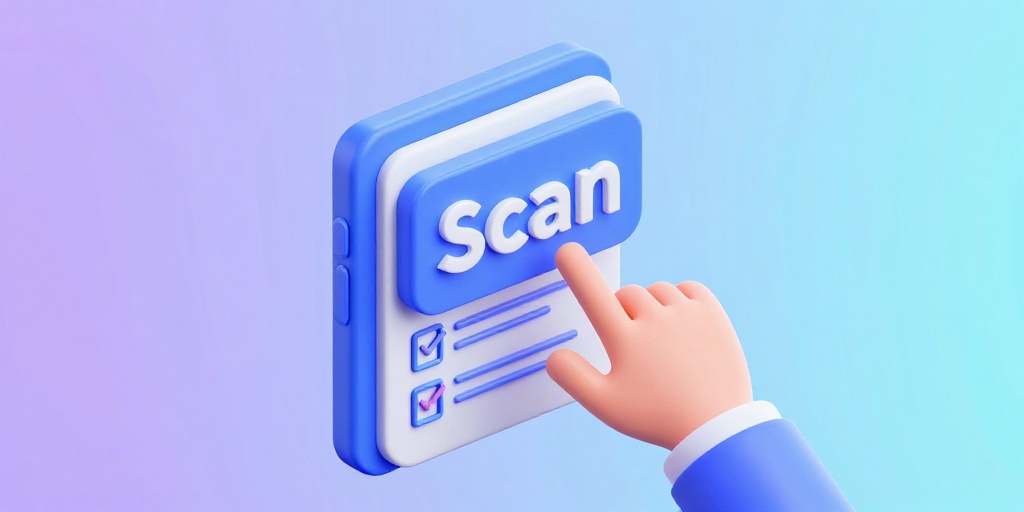
- Step 3: Click 'Scan' and wait a few seconds.
- Step 4: Read the report. It will show you issues like slow loading time, missing alt text, or broken links.
- Step 5: Follow the fix suggestions. Most are simple tweaks you can do yourself.
That's it. No fancy skills required. Just a willingness to improve your online storefront.
Frequently Asked Questions
Quick answers to structural technical gaps
Do I need to pay for an online SEO scanner?
Nope! Many scanners, including ours, are completely free. That's because they want you to see the value and come back.
How often should I scan my website?
At least once a month, or any time you make big changes. Think of it like a regular health checkup for your site.
Will an SEO scanner fix the problems for me?
It shows you what's wrong, but you'll need to make the fixes. The report usually gives clear instructions, so it's DIY-friendly.
Can I scan any website, or just mine?
You can scan any public website. But you'll only be able to fix issues on sites you own.
Keep Reading
Execute This Strategy Instantly
Stop guessing why your site isn't ranking—use our Free Website SEO Scanner to get a clear, instant report on exactly what to fix.
Launch Free Tool