What Is a Next Gen Image Format and Why Do You Need One?
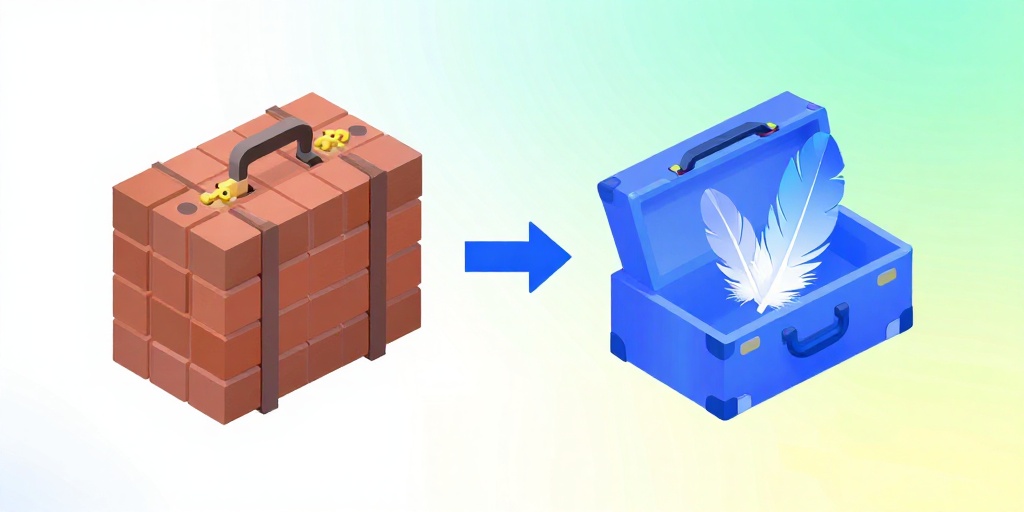
Think of your website like a suitcase. Old image formats like JPEG and PNG are like packing bricks — they weigh a ton. A next gen image format like WebP is like packing with feathers. You get the same look but your site loads way faster.
Why does that matter? Because speed matters. Google loves fast sites. Users hate waiting. If your site takes longer than three seconds to load, half your visitors will leave. Using WebP can cut your image sizes by 25–35% or more with no visible quality loss.
The best part? You don't need to be a tech wizard. A next gen image format converter does the heavy lifting for you. Upload your old images, and boom — you get lightweight WebP files ready to go.
How to Convert Your Images to WebP for Free
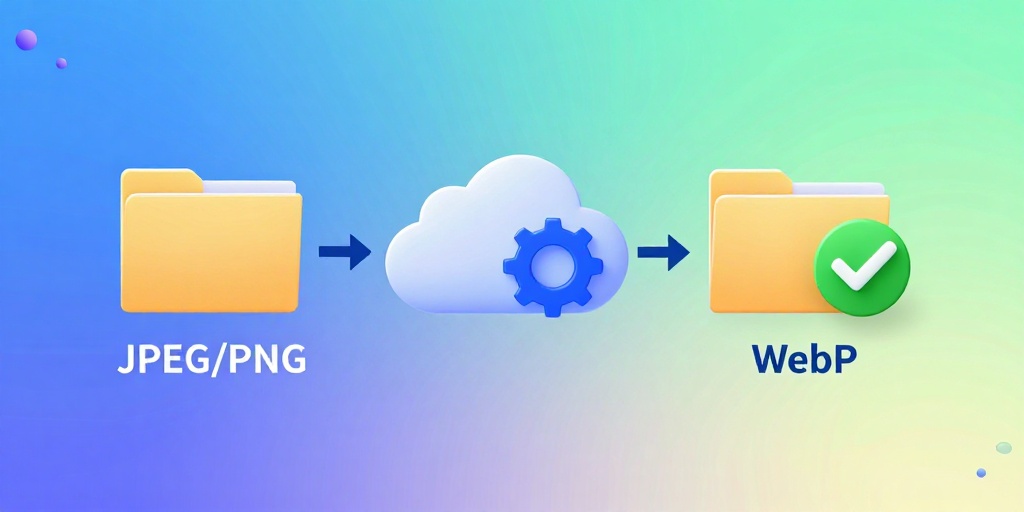
Converting your images is easier than making toast. Just follow these three steps:
- Step 1: Find a free next gen image format converter online. We have one that's super simple (linked below).
- Step 2: Upload your JPEG or PNG files. You can drag and drop them or click to choose files.
- Step 3: Download your shiny new WebP files. They'll be much smaller in size but still look great.
That's it. No sign-ups, no emails, no credit card. Just upload and convert. You can even do bulk conversions to save time.
Once you've got your WebP files, you need to put them on your website. If you use WordPress, check out our WordPress Image Speed Optimizer tool that can automatically replace old images with WebP versions for you.
Why WebP Beats JPEG and PNG Every Time
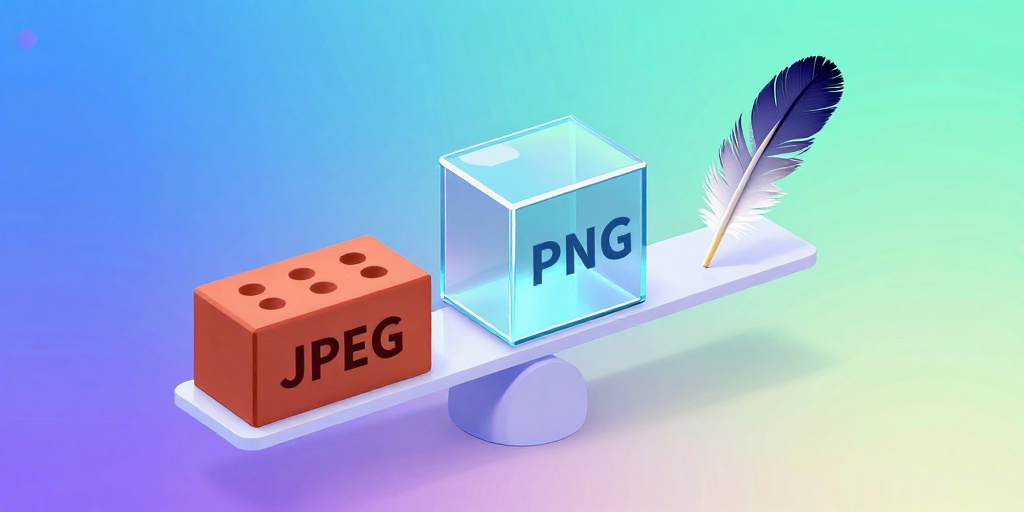
Imagine you're packing for vacation. JPEG is like a bulky old suitcase that barely fits anything. PNG is like a glass box — heavy and fragile. WebP is like a magic expandable bag that holds everything you need and folds up tiny.
Here's the breakdown:
- JPEG: Good for photos, but gets ugly if you compress it too much (blocky artifacts).
- PNG: Great for logos and graphics with transparency, but file sizes are huge.
- WebP: The best of both worlds. It supports transparency like PNG, compresses better than JPEG, and keeps quality high.
Switching to WebP can cut your image load time in half. That means your website feels snappy, your visitors stay happy, and Google rewards you with higher rankings.
Want to see the difference? Use our next gen image format converter on a typical JPEG and compare file sizes. You'll be blown away.
Frequently Asked Questions
Quick answers to structural technical gaps
Is WebP supported by all browsers?
Yes! WebP works in Chrome, Firefox, Safari, Edge, and almost every modern browser. Over 97% of internet users can view WebP images without any issues.
Will converting to WebP make my images look worse?
Not if you use a good converter. WebP is designed to keep high quality at smaller file sizes. You can adjust the quality setting to find the perfect balance between size and appearance.
Do I have to convert one image at a time?
No way. Our converter and many others support batch conversion. You can upload multiple images at once and convert them all together in seconds.
Is it really free? No catches?
Yes, 100% free. No sign-up required, no hidden fees, no watermarks. Just upload your images, convert them, and download the WebP versions. We believe in helping you make the web faster.
Keep Reading
Execute This Strategy Instantly
Drop your JPEGs or PNGs into our free JPG to WebP converter right now and see how small your images can get without sacrificing quality.
Launch Free Tool