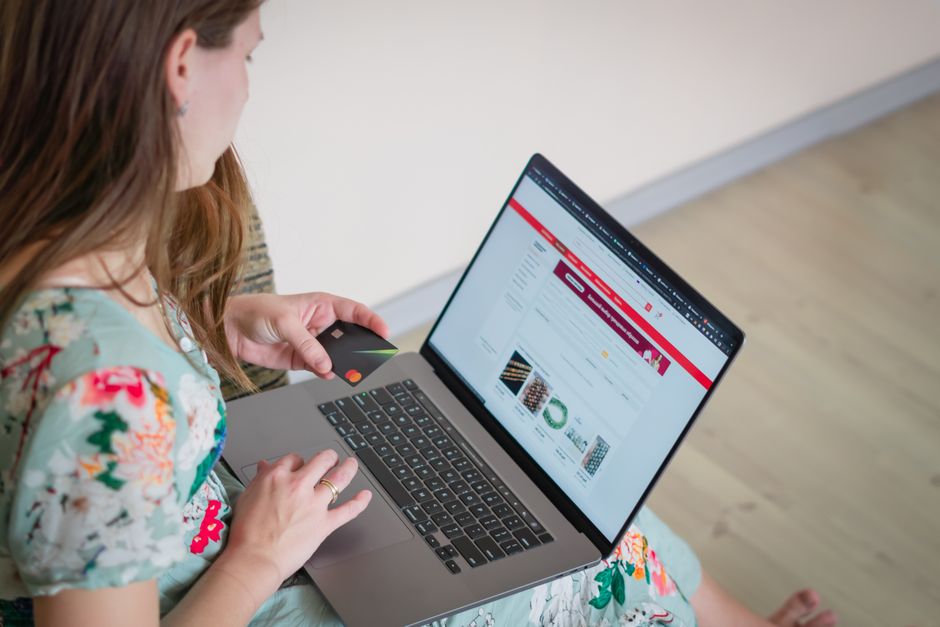
Why Speed is a Deal-Breaker
Think of your website like a pizza delivery place. If you order a pizza and it takes two hours, you're never ordering from there again. The same goes for your website. If it takes more than three seconds to load, most people will leave and go to a competitor. That's why you need to check competitor website speed online. If their site loads faster than yours, they're stealing your customers. It's that simple. Google also ranks faster websites higher, so speed affects your search rankings too.
Here’s what happens when your site is slow:
- Visitors get annoyed and hit the back button.
- You lose sales and leads.
- Google demotes your rankings.
- Your competitor gets all the business.
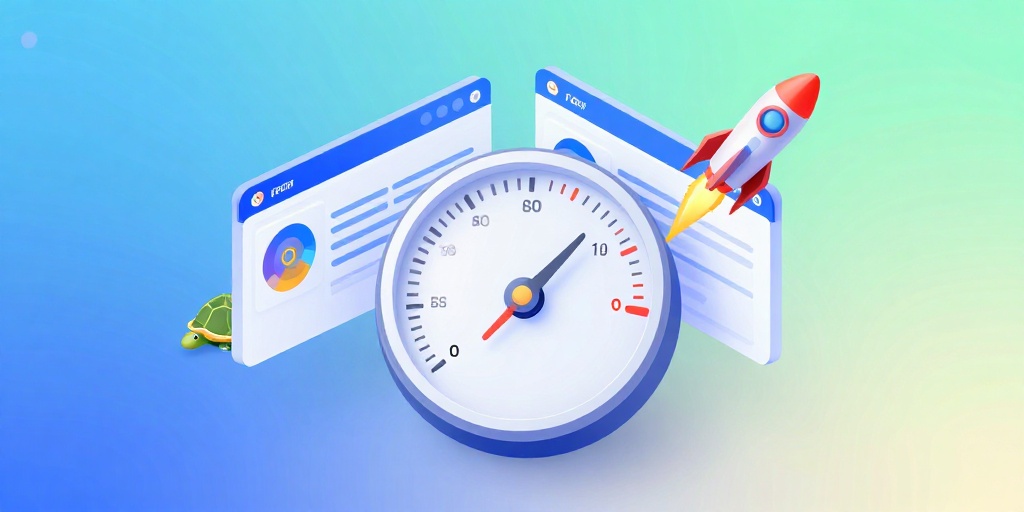
How to Check Competitor Website Speed Online
You don't need to be a tech wizard to check competitor website speed online. There are free tools that do all the work for you. All you do is type in a URL and get a speed score. You can check your own site and your top competitor's site. Compare the numbers. If your competitor loads in 2 seconds and you load in 5 seconds, you have a clear problem.
When you test, look for these three things (called Core Web Vitals):
- Largest Contentful Paint (LCP) – How fast the main content shows up. Should be under 2.5 seconds.
- First Input Delay (FID) – How quickly your site responds when someone clicks. Should be under 100 milliseconds.
- Cumulative Layout Shift (CLS) – How much the page jumps around while loading. Should be under 0.1.
Knowing where you stand is the first step to winning. It’s like checking the score in a game – you can’t win if you don't know the score.
How to Speed Up Your Website (Step-by-Step)
Once you've checked competitor speed, it's time to fix your own. Here are the easiest ways to make your site faster:
- Compress images – Big images are the #1 speed killer. Use a tool to shrink them without losing quality. Try our batch renamer tool to also optimize them for SEO.
- Enable caching – Store some data so returning visitors load faster.
- Minimize code – Clean up your HTML, CSS, and JavaScript.
- Use a CDN – Serve your site from servers closer to your visitors.
Most of these can be done with free plugins or tools. You don't need to be a developer. Fast loading websites for NYC medical spas often use these same tricks to keep patients happy. You can too.

Frequently Asked Questions
Quick answers to structural technical gaps
What is a good website speed time?
Aim for under 3 seconds, but under 2 seconds is excellent. Anything above 5 seconds will cost you visitors.
How do I check my competitor's website speed?
Use a free speed test tool like our Website Speed Test for SEO. Just enter your competitor's URL and get their score.
Does website speed really affect SEO?
Yes, Google uses page speed as a ranking factor. Faster sites rank higher in search results.
Can I speed up my website without hiring a developer?
Absolutely. Use free tools to compress images, enable caching via plugins, and minimize code with simple online services.
Keep Reading
Execute This Strategy Instantly
Use our free Website Speed Test for SEO to see your own speed score and get a detailed report on how to beat your competitors.
Launch Free Tool